← All practical guides

P004 · FREE PRACTICAL GUIDE

How to Learn Excel for Real Workplace Tasks

Workplace Excel competence is not memorising formulas. It is receiving an imperfect file, understanding the business question, cleaning the data, calculating correctly and communicating a decision someone can verify.

Updated 2026-08-296–8 minute readNo email required
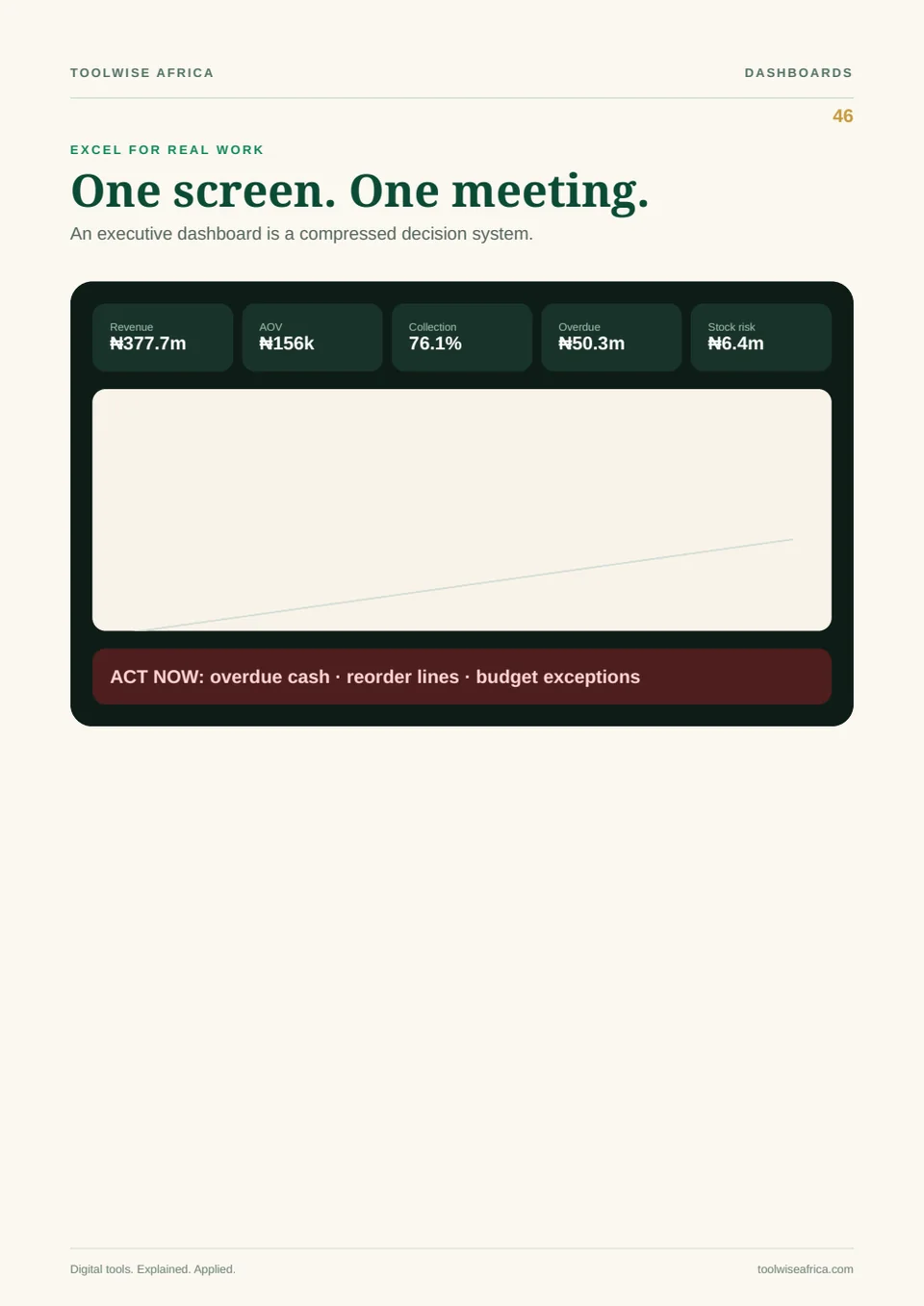
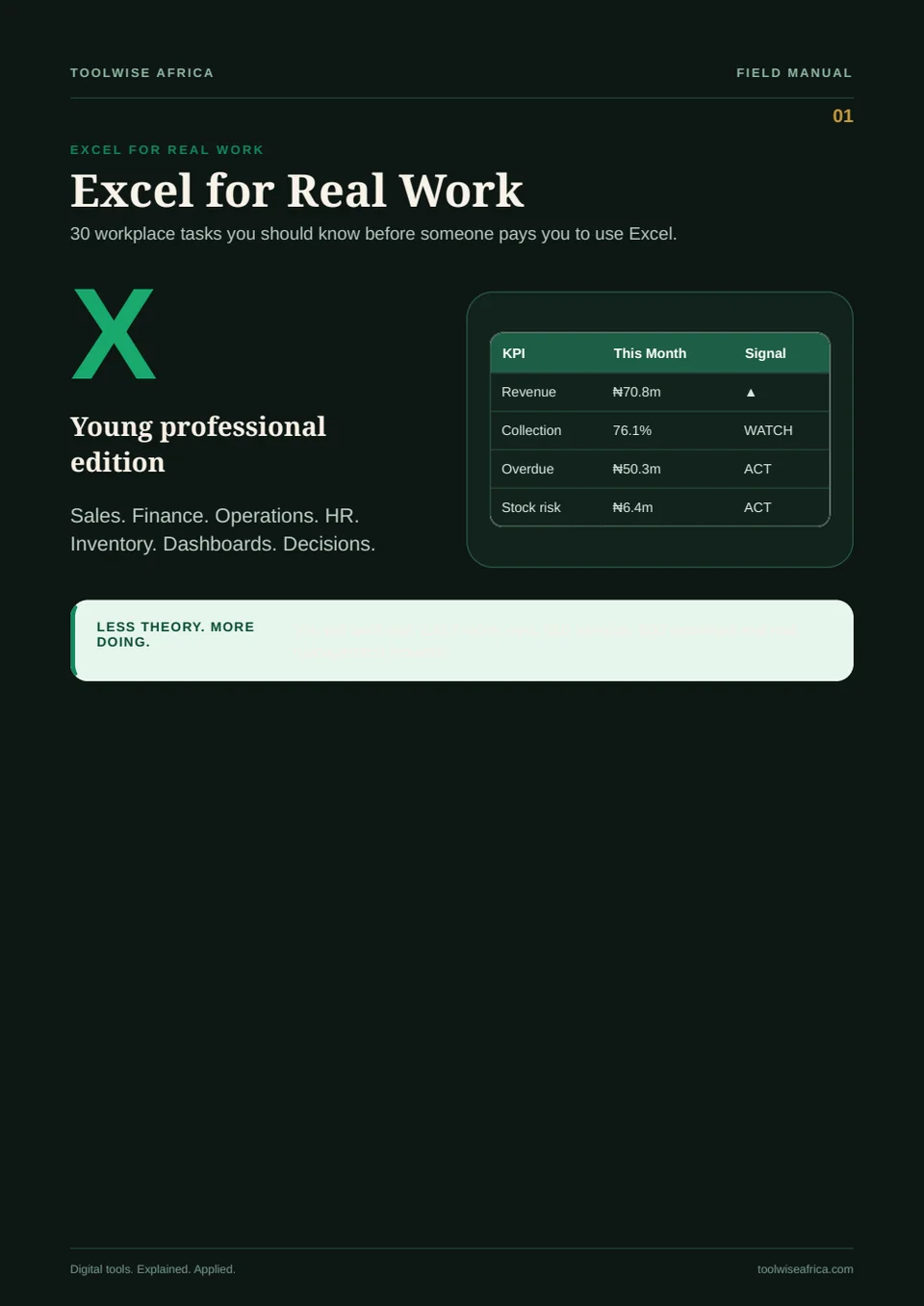
Practical preview from Excel for Real Work
Working page from Excel for Real Work
01

Begin with the question, not the formula

Define the decision the workbook should support. Revenue by region, delayed orders and margin exceptions require different fields and checks. A formula is useful only when it answers a clear question.

02

Clean before calculating

Check dates, duplicates, blanks, text stored as numbers, inconsistent categories and refunds. Raw transactions are not automatically reliable revenue. Keep a clean-data step that another person can inspect.

03

Translate business rules into formulas

An IF statement should begin as plain language: if this condition is true, return this result; otherwise return that result. The same discipline applies to lookups, ageing rules and exception flags.

04

Use summaries to investigate

Pivot tables and dashboards are not decoration. They should expose material changes, outliers and drivers. Every visual should lead to a useful question or recommendation.

05

Practise with complete tasks

The fastest improvement comes from end-to-end exercises: receive the file, clean it, calculate, investigate, summarise and present. Realistic datasets build judgement that isolated formula drills cannot.
MOVE FROM ADVICE TO IMPLEMENTATION

Excel for Real Work

Turn messy workplace data into reliable analysis, dashboards and decisions.

  • 30 realistic workplace tasks
  • 2,417-row sales dataset
  • Practice and solutions workbooks
  • 4PM Executive Challenge

COMMON QUESTIONS

Clear answers.

Which Excel formulas should a beginner learn first?

Start with SUM, COUNT, IF, SUMIFS, COUNTIFS, XLOOKUP or INDEX/MATCH, date functions and error checks—inside realistic tasks rather than as a detached list.

Do I need advanced Excel for office work?

Many roles need reliable cleaning, calculations, pivots, charts and clear communication before advanced modelling. Accuracy and explanation matter more than showing many formulas.

Can I learn Excel on a phone?

You can read lessons and make simple edits on a phone, but realistic data work is easier on a computer with a full spreadsheet application.